OrganiserThe day before
Before
Create the event, add your stands and register a terminal for each one by scanning its setup code. Import the guest list and the bands.
- Stands, prices and caps
- Terminals set up by QR
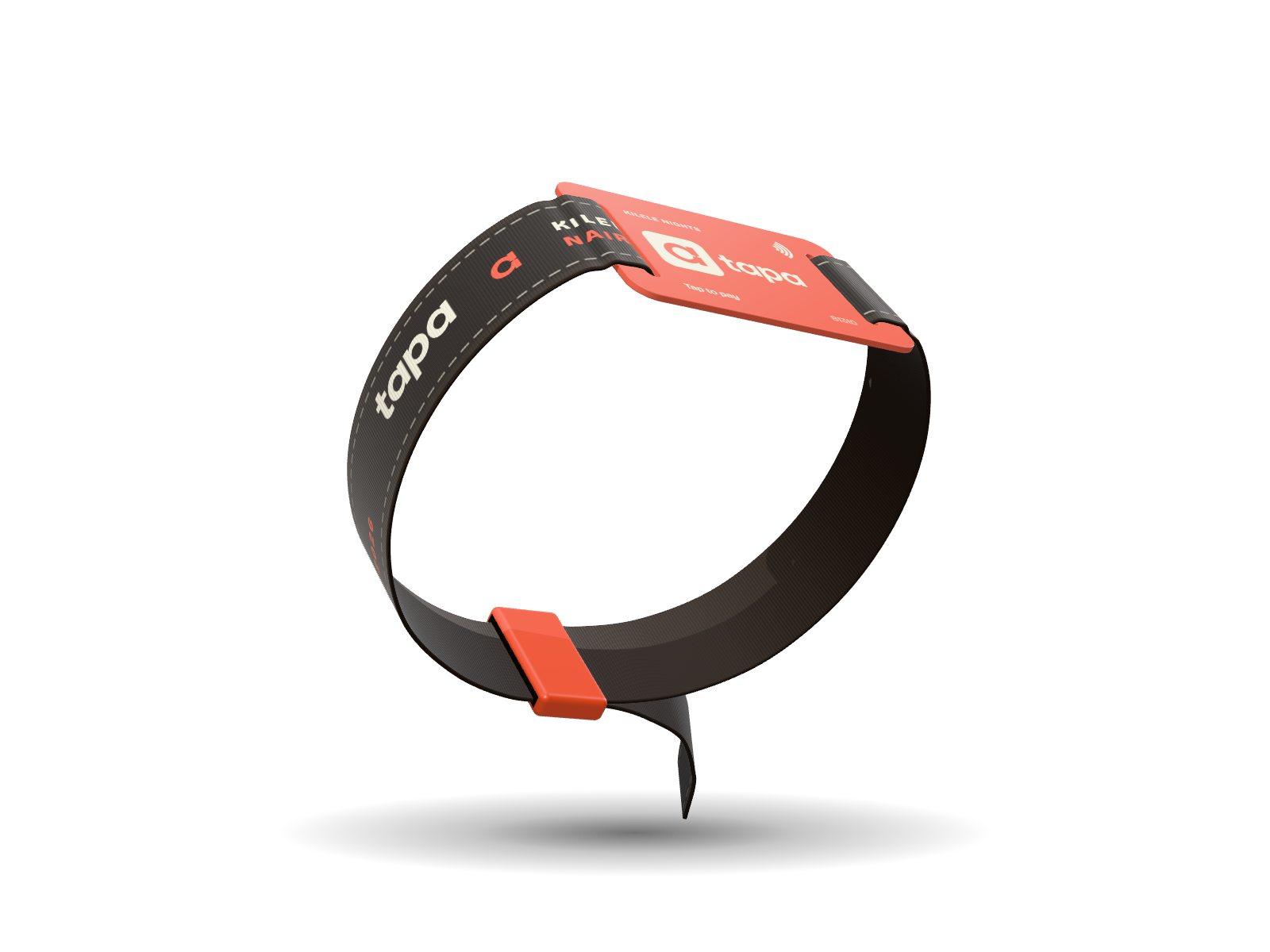
Guests load money onto an NFC wristband with M‑Pesa and tap to pay at every bar and stand. About a second per sale, even when the signal drops.
Talk to us about your eventGuests top up in shillings with M‑Pesa, before or during the event, and wear the band that points at their wallet. Lose the band and the help desk freezes it. The balance stays put.
The cashier keys the amount, the guest taps. No phone, no PIN, no waiting on an M‑Pesa prompt.
Terminals take sales on trust up to an offline allowance you set, queue them, and send them the moment they reconnect. A sale can never be charged twice.
Band read OK. The charge goes through when signal returns.
Every sale shows up the moment it happens, and the money reaches each stand's own wallet while the night is still going. No float, no waiting days after the event.
The organiser console shows sales as they happen, freezes a lost band, and handles late reversals with a reason on record.
Unspent money never left the guest's wallet, so there is no refund queue when the lights come up.
Four moments, four kinds of people. Each one gets a screen built for exactly what they do.
Create the event, add your stands and register a terminal for each one by scanning its setup code. Import the guest list and the bands.
Scan the ticket and link a band. From that moment the guest's wallet is locked to the event, which is what makes a green Paid on the terminal a promise.
Cashiers key the amount and guests tap. A mistake is reversed on the terminal; anything later goes to the help desk, with a reason and a name on the record.
Close checks every stand's numbers against what actually moved, takes the fees, and gives you a statement. Stands keep their takings; guests keep what they did not spend.
The short version of how Tapa behaves when a real night gets messy.
Terminals keep selling. Each one can take sales on trust up to an offline allowance you set, queues them, and sends them as soon as it reconnects. A sale can never be charged twice.
The help desk freezes it from the console straight away and links a replacement. The balance lives in the guest's wallet, not on the band, so nothing is lost.
Yes, on the terminal, within the reversal window. After that the help desk reverses it from the console, and the audit log records who did it and why.
During the night, not days after. Each stand sees its sales come in as they happen, and the money reaches its own wallet while the event is still going. Fees come off along the way and at close.
It stays in their own wallet. There is no organiser float and no refund queue at the end of the night.
Tell us the date, the venue and how many stands. We'll set you up with bands, terminals and the organiser console.